Version Control
MINEO's notebooks have a built-in version control system that tracks all changes made by you or any other partner and allows you to go back to any previous version of your notebook.
Revisions panel
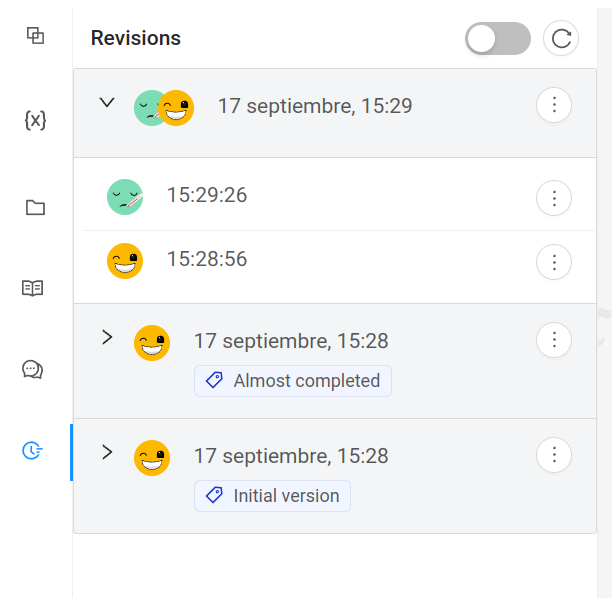
To access your notebook's revision table, click on the Revisions panel in the sidebar. Alternatively, you can click on the File menu.
In this panel you will see all the revisions of your notebook, together with their date and author. You can download any version and then import it into your file system to view it independently.
Any changes you make to your notebook automatically trigger a new revision. You can also create revisions manually using Checkpoints. You can add a description to your checkpoints to identify a particular version of the notebook. You can filter your revision table to show only checkpoints.
To create a checkpoint you can use the Create Checkpoint directly below the revision table, or use the Create Checkpoint option from the File menu.
If you export a notebook and then import it somewhere else, the revision table is reset to the new version. Revisions are not exported.