Hotkeys
There are multiple hotkeys available inside a notebook.
MINEO has two different keyboard input modes. Edit mode allows you to edit the text of a block, and is indicated by a green block border. Command mode allows you to use keyboard shortcuts to navigate and manipulate the notebook and its blocks, and is indicated by a blue block border.
Block (Command mode) shortcuts
You can check the available hotkeys by clicking the Keyboard shortcuts in the Notebook's Help menu.
Code editor (Edit mode) shortcuts
When you are editing a block's code, you can use the editor's Command palette to run the same block commands.
You can access the palette by pressing F1 or using the 'Block/Open command palette' option.
Once you are in the command mode, write MINEO to list all custom commands:
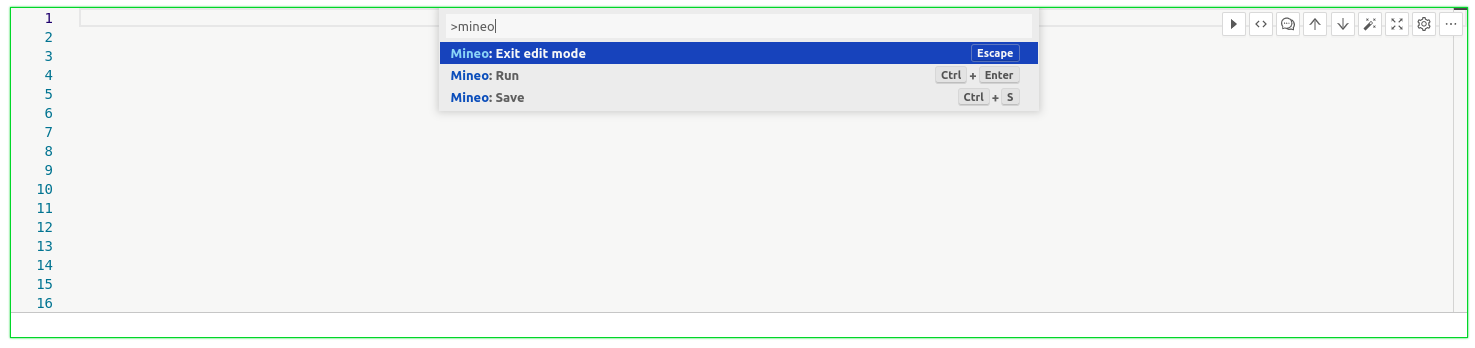
As well as MINEO's own commands, you have all the default options available in Monaco Editor, which is the library used by Visual Studio Code.