Packages
In MINEO you can install packages and use them in your Code Blocks. There are three ways to install packages in MINEO.
tip
The block's output will display the package's installation logs. A good practice is to include all of your installation commands in a single Code Block and hide it from the Blocks Panel so that the output is not displayed.
Install via Advanced Packaging Tool
Install native Debian packages using the apt command.
!apt update
!apt install figlet
!figlet Mineo

Install via Python Package-Management System
Install Python packages using the pip command.
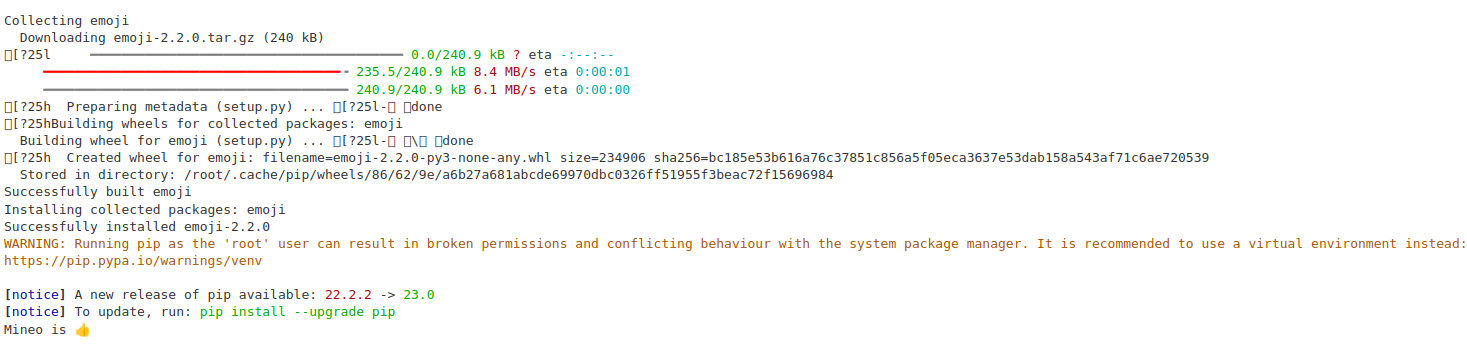
!pip install emoji
import emoji
print(emoji.emojize("Mineo is :thumbs_up:"))
Download via Git Repository
Download packages via Git using the git clone command.
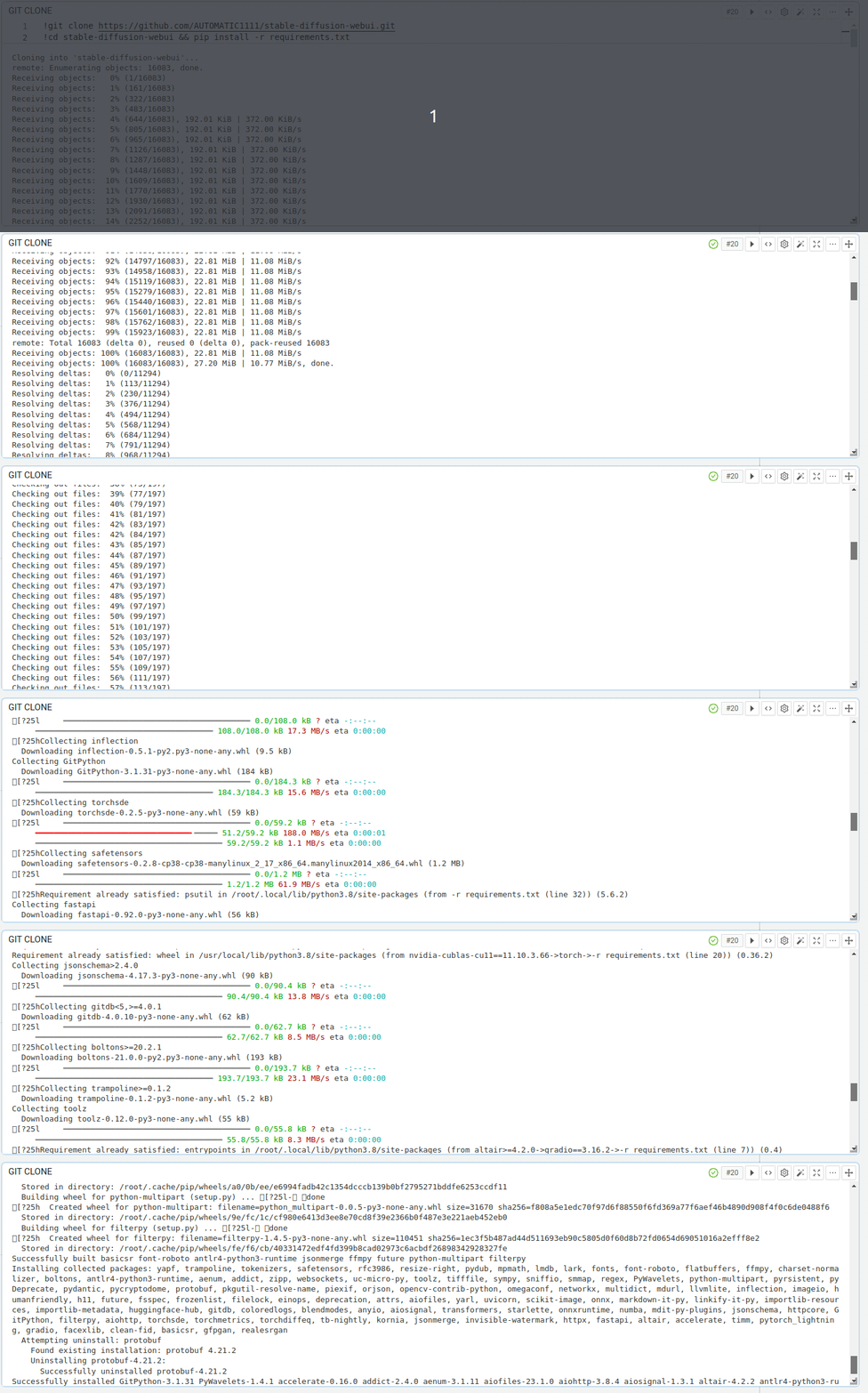
!git clone https://github.com/AUTOMATIC1111/stable-diffusion-webui.git
!cd stable-diffusion-webui && pip install -r requirements.txt